
Create Stunning Banner Ads in Seconds with AI
If you’re a solopreneur, you wear a lot of hats — marketer, content creator, customer support, sales rep, and probably even your own tech department. The truth is, you can have the best product or service in the world, but if people don’t notice it, you’ll struggle to make sales.
That’s where banner ads come in.
They’re one of the simplest, most versatile ways to get your offers noticed, and they can be placed in a variety of high-visibility spots, including:
Your own website or blog (to highlight special offers or lead magnets)
Web based newsletters such as Beehiiv and Substack
Social media posts and stories for quick visual impact
Email newsletters to draw the eye and boost clicks
Online forums and communities where your audience hangs out
Used strategically, banner ads can build your brand, grow your list, and drive consistent traffic to your offers — without you needing to constantly post or chase down leads.
Why Banner Design Matters
A banner ad isn’t just an image with some text slapped on it. To be effective, it needs to combine several elements in a way that captures attention and drives clicks.
Here are the key components of a high-performing banner ad:
1. Proven Layouts
Certain banner formats simply work better than others. They guide the eye naturally from the main image to the headline to the call-to-action button. Using tested, proven layouts means you’re not guessing what will get clicks — you’re using designs that have been shown to work.
2. Eye-Catching Images
The right image can make a person stop scrolling instantly. It needs to connect with your audience and visually represent your offer or the benefit they’ll get.
3. Compelling Copy
Banner text has to be short, clear, and persuasive. You have just a second or two to spark interest, so every word counts.
4. Strong Call-to-Action (CTA) Button
A clear CTA tells the viewer exactly what to do next — “Get Started Now,” “Get Access,” “Download Here,” etc. The button should be easy to see and visually stand out from the rest of the design.
5. Smart Use of Color
Colors affect emotions and decision-making. Bright, contrasting colors for the CTA can draw the eye. The overall palette should match your brand but also stand out in the placement where the ad will appear.
Get any of these wrong — weak headline, dull image, invisible CTA, or poor color choice — and you’ll likely watch your click-through rate drop.
The Problem: Time, Skills, and Cost
Banners have always been a goldmine for skilled designers. They grab attention, get clicks, and help you stand out on websites, blogs, and social media.
The challenge?
Creating them used to be time-consuming, complicated, and expensive. You either had to:
Learn design software like Photoshop or Canva.
Pay a designer (and wait for revisions).
Spend hours brainstorming layouts, text, and calls to action.
As a solopreneur, that’s time and money you’d probably rather spend on growing your business.
The Solution: Banner Ad Formulator

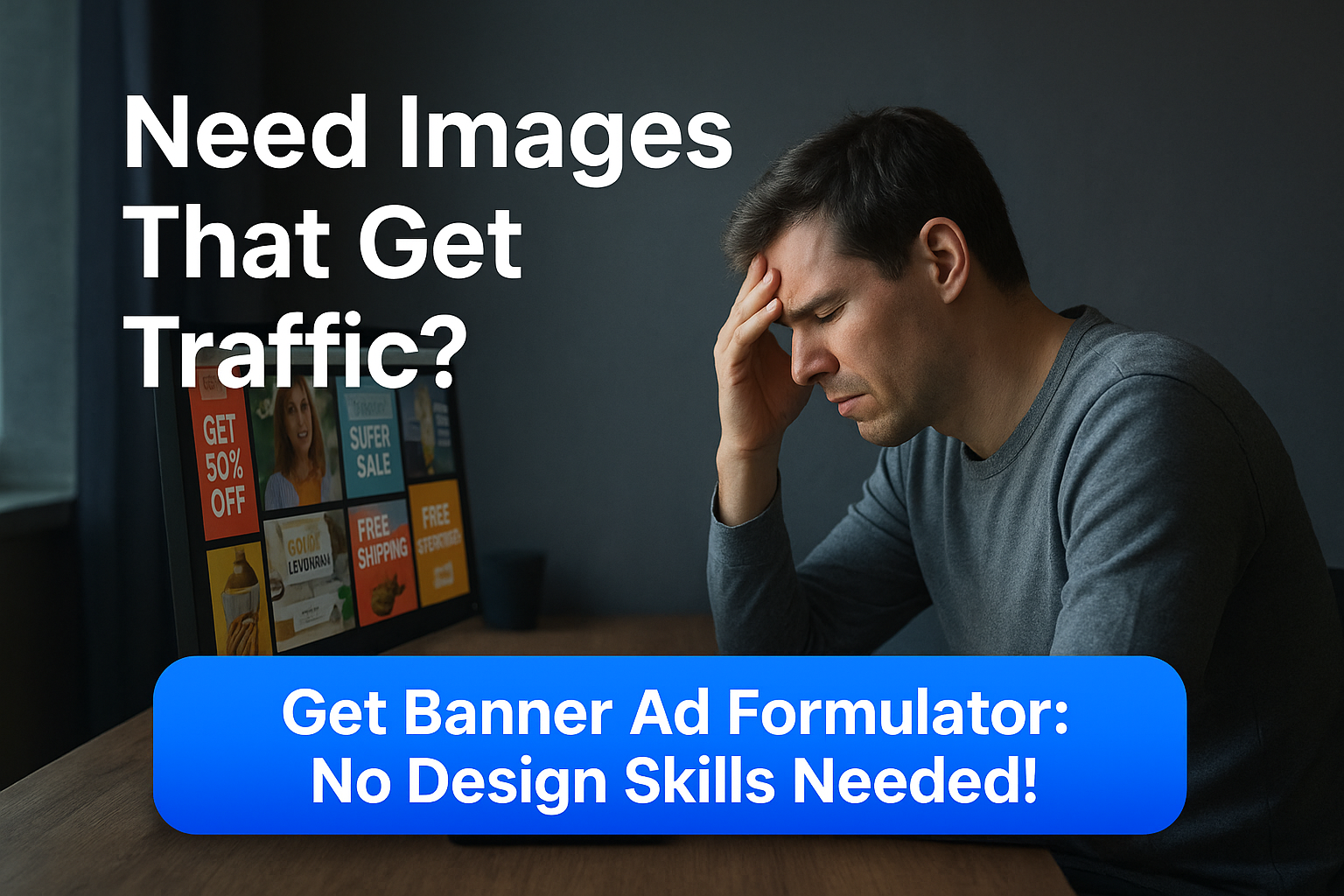
With my new Banner Ad Formulator AI, you can create professional-quality banner images in about 60 seconds — even if you have zero design skills. (In fact, Banner Ad Formulator made that banner above in under a minute.)
No design software.
No copywriting headaches.
No planning.
Here’s all you do:
Enter a link (to your product, affiliate offer, blog post — whatever you want to promote).
Click a button and let the AI handle the rest.
The AI will generate:
✔️ Proven banner formats that convert
✔️ Professionally styled layouts with images and CTA buttons
✔️ Expert copywriting messages crafted to attract clicks
All tailored to your niche.
👉 Click here to see Banner Ad Formulator in action
What You Can Do With It
There are lots of ways to use your banner ads for income online, and here are the top 9 ways…
1. Email Newsletters
Embed the banner inside your email broadcasts to promote your products and affiliate products and services with an eye-catching visual instead of just text.
2. Social Media Posts
Share it as a post image on Facebook, Instagram, LinkedIn, X (Twitter), or Pinterest — with a link in the caption to drive traffic.
3. Paid Ads (Google, Facebook, etc.)
Use your banners for display networks, retargeting ads, or sponsored social posts.
4. Affiliate & Partner Promotions
Give it to affiliates, JV partners, or other site owners to post on their platforms when promoting your products and services.
5. Blog Post Image Call-to-Action
Insert it between paragraphs in your own or guest blog posts — it breaks up text and acts like an inline call-to-action.
6. Forum Signatures & Community Posts
Many forums and niche communities allow a banner in your signature or in certain promotional threads.
7. Banner Ads in Online Newsletters
Place your banner in platforms like Beehiiv, Substack, or other niche email newsletters for highly targeted exposure.
8. Digital Product or PDF Inserts
Include your banner inside downloadable guides, eBooks, or PDF reports as an evergreen promotion.
9. Freelancing Income:
Create banner ads for other businesses as a freelancer!
Graphic designers who spent years learning the trade (and bought all the expensive software) might not love this tool — but you will.
👉 Click here to see Banner Ad Formulator in action
More Tips & Tricks
Below is a link to an extra video I created sharing some Tips & Tricks on how to:
Create banners without using the built-in web page scraper (ideal if you don’t have a sales page to promote but still want a banner)
Customize the text, images, and colors
Make your banners on Google Gemini in addition to ChatGPT
🎥 Watch the Tips and Tricks video here
More Banner Ad Formulator Banner Samples:
That’s it for today! I’ll just leave you with a few more banners I made using my Banner Ad Formulator, so you get a feel for some different styles available, and the quality…




Nice work Jim! Another Formulator to make my marketing life easier. Thank you.
Thanks Jack, I appreciate the kind words. I’ll be adding this to my catalog at bizwebai.com in a few days!